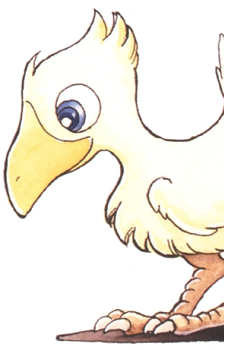
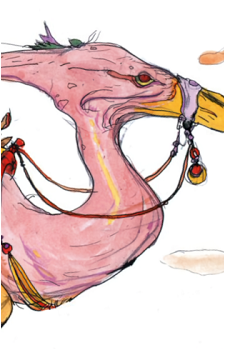
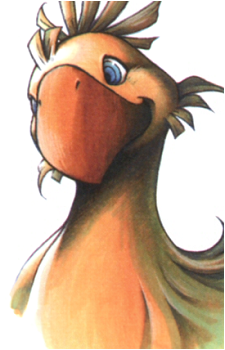
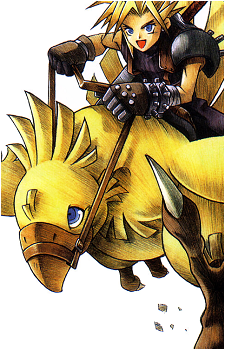
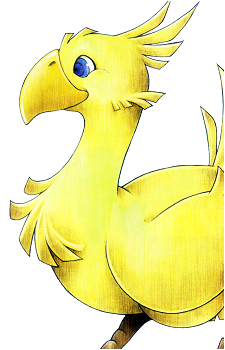
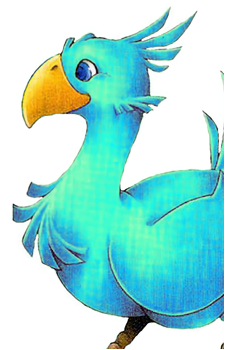
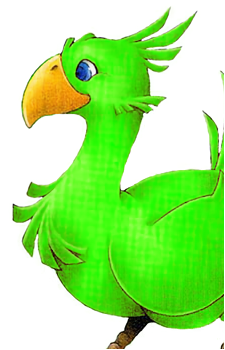
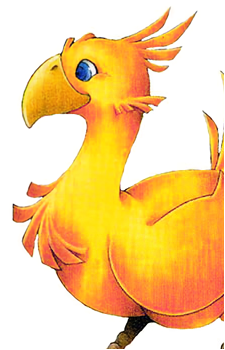
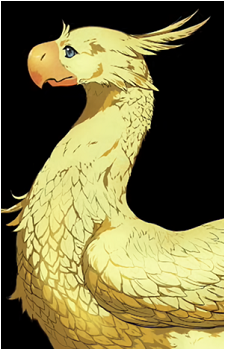
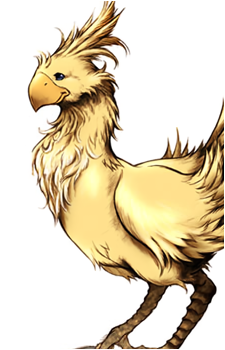
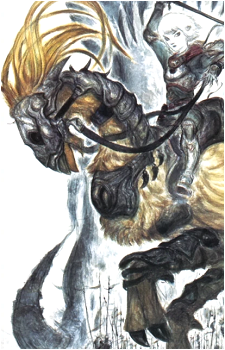
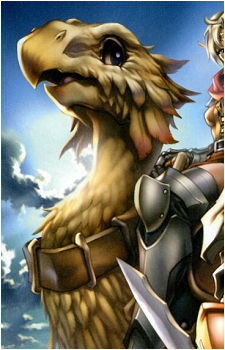
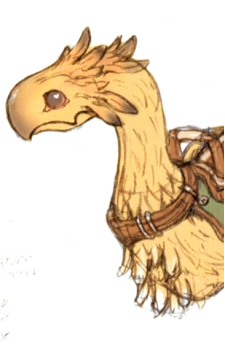
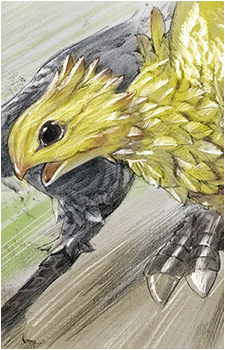
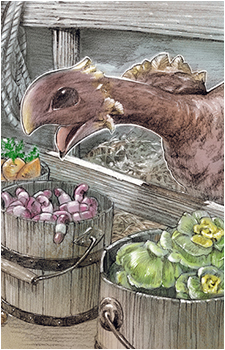
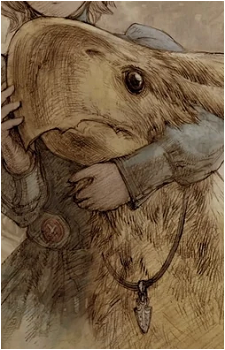
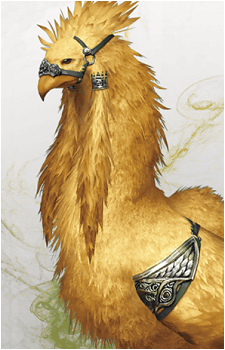
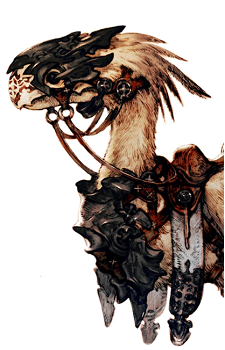
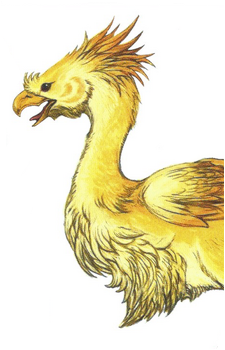
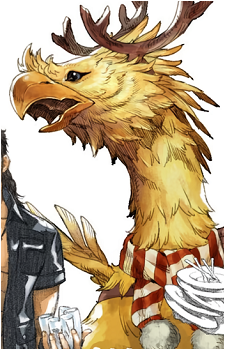
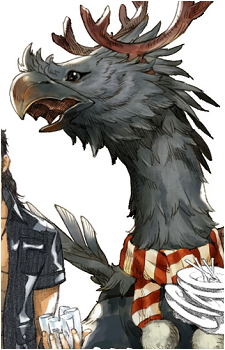
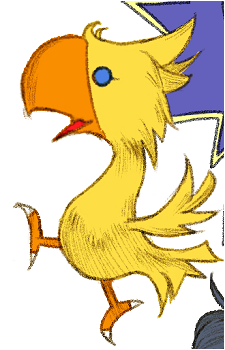
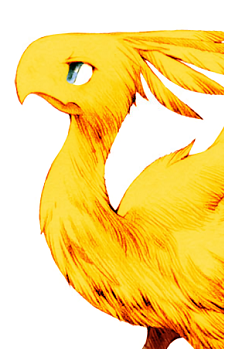
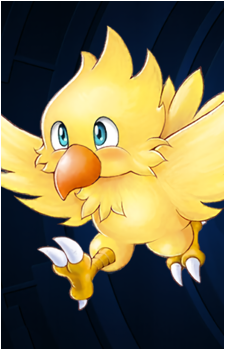
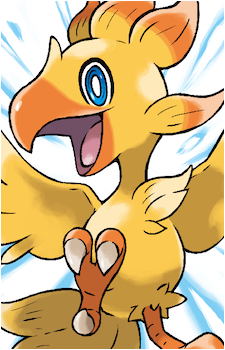
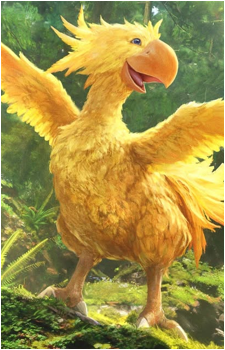
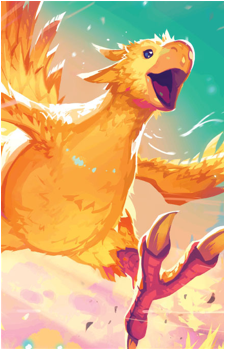
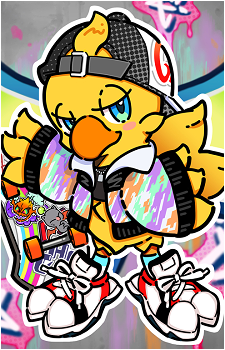
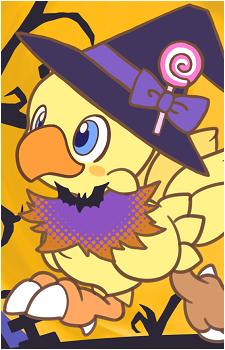
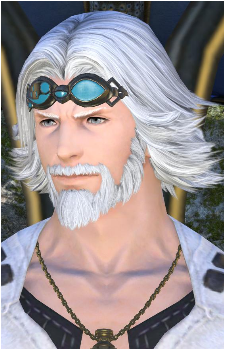
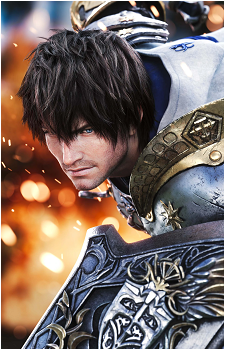
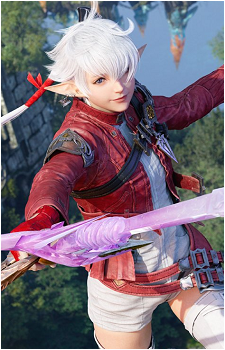
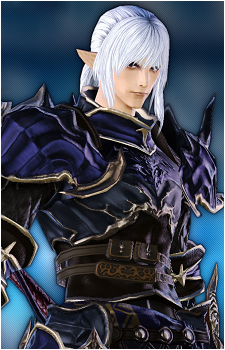
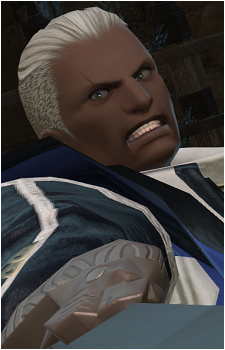
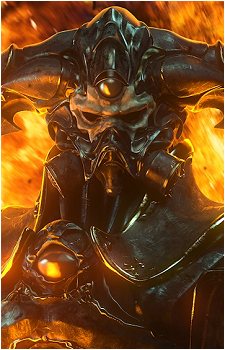
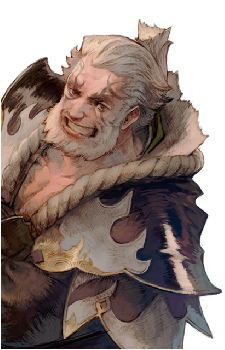
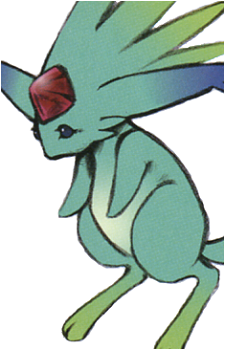
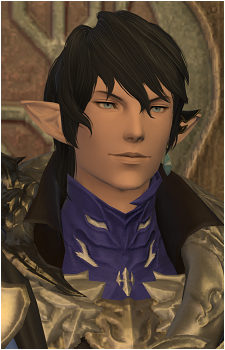
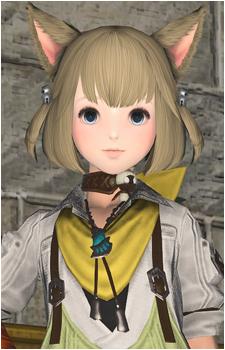
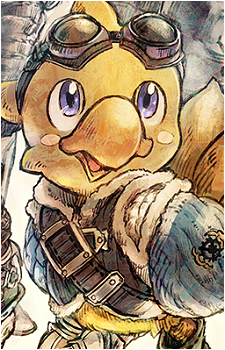
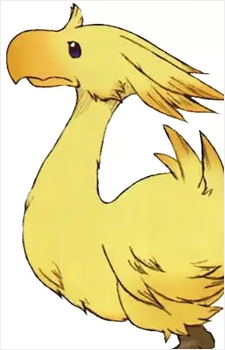
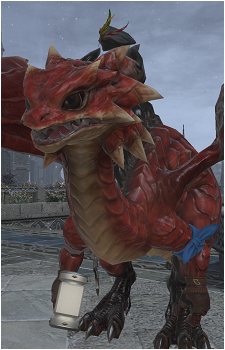
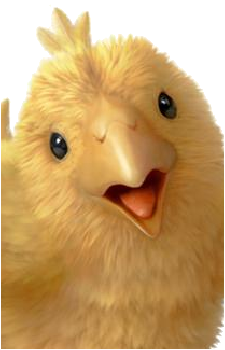
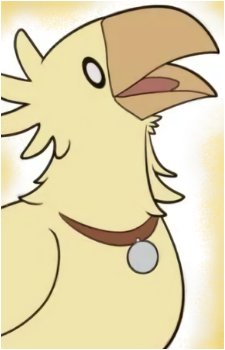
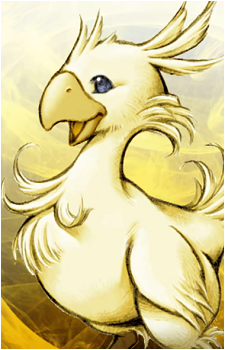
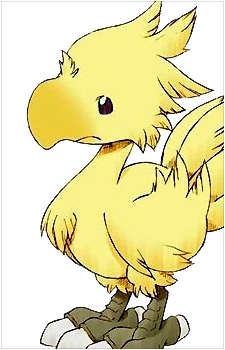
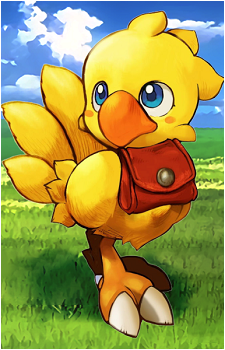
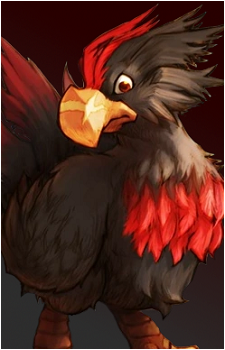
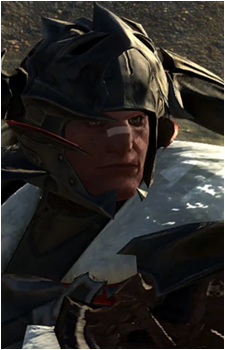
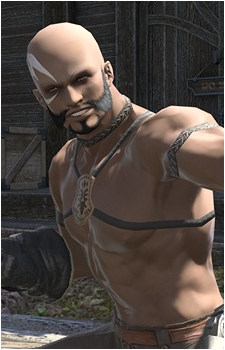
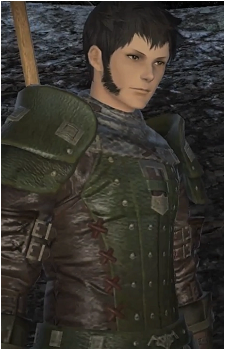
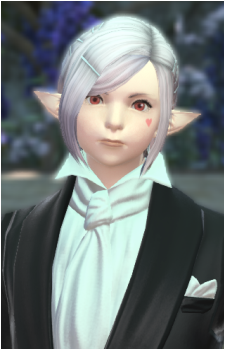
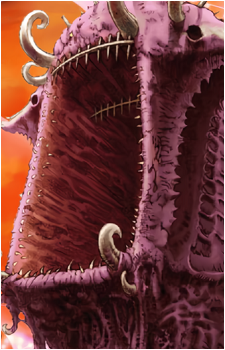
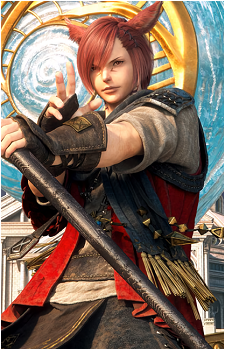
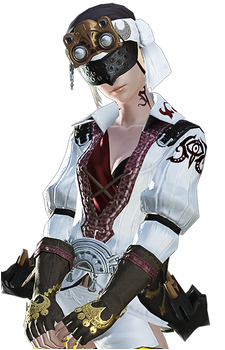
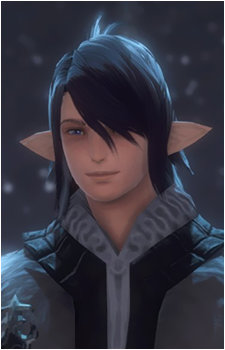
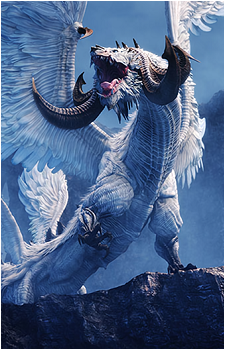
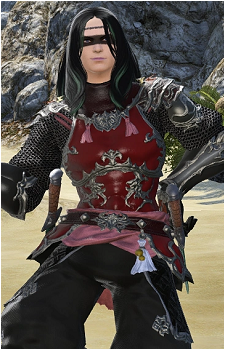
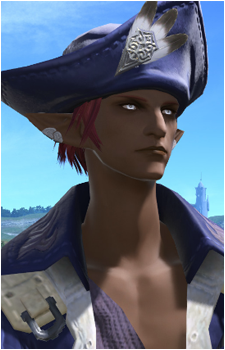
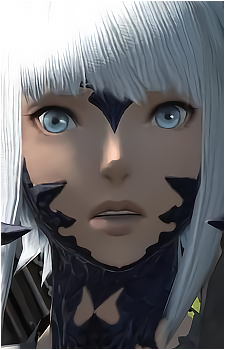
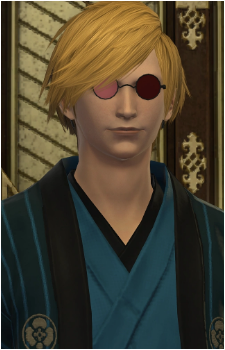
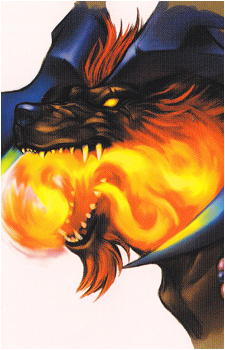
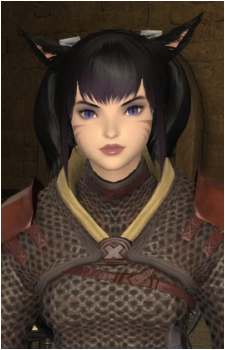
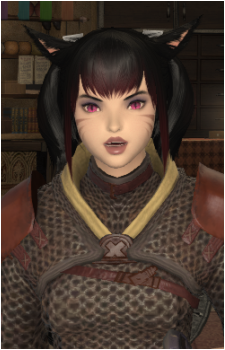
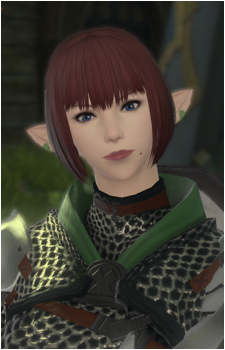
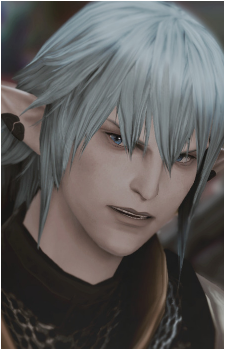
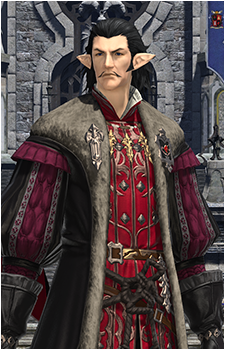
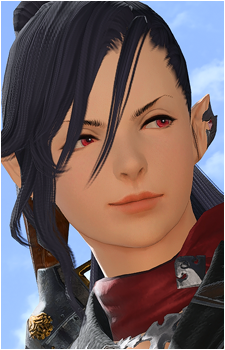
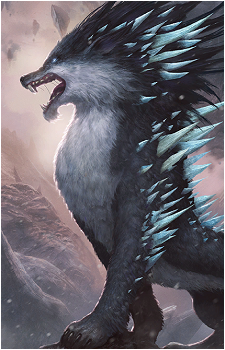
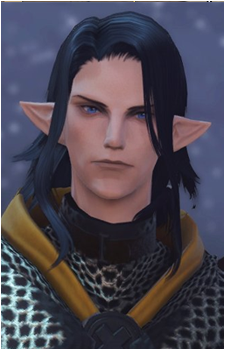
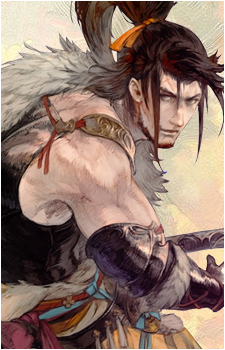
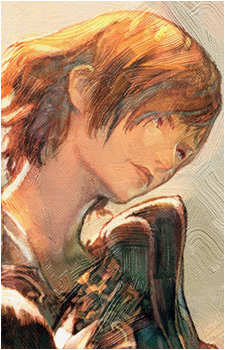
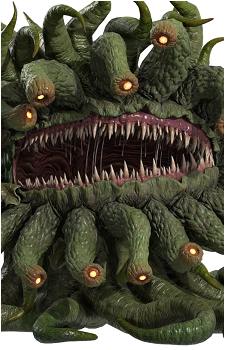
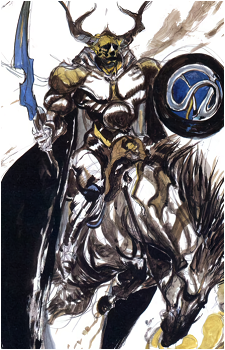
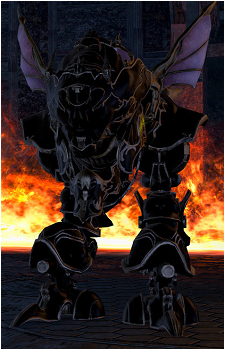
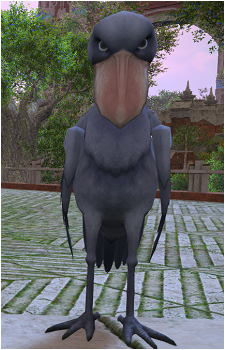
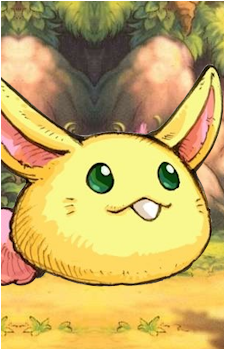
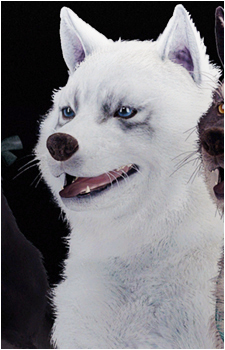
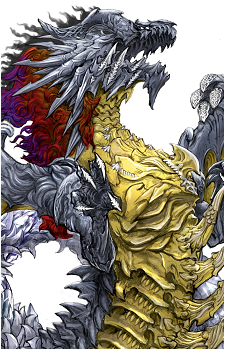
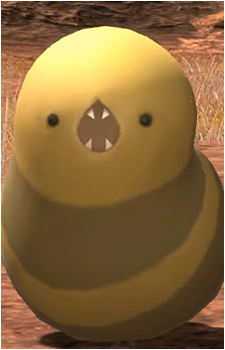
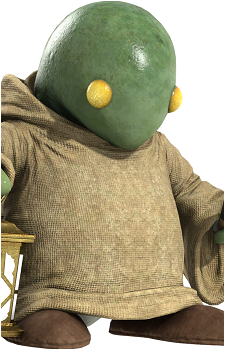
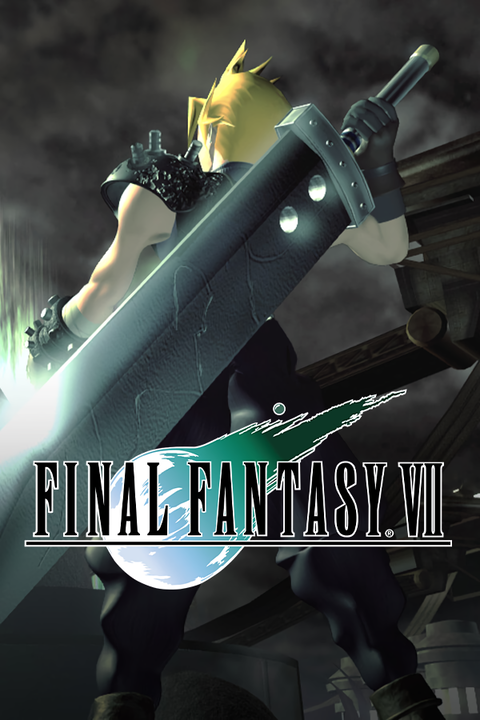
Arrange the images of the character by drag & dropping them around open_in_new
drag_indicator
drag_indicator
drag_indicator
drag_indicator
drag_indicator
drag_indicator
drag_indicator
drag_indicator
drag_indicator
drag_indicator
drag_indicator
drag_indicator
drag_indicator
drag_indicator
drag_indicator
drag_indicator
drag_indicator
drag_indicator
drag_indicator
drag_indicator
drag_indicator
drag_indicator
drag_indicator
drag_indicator
drag_indicator
drag_indicator
drag_indicator
drag_indicator
drag_indicator
drag_indicator
drag_indicator
Select the 2 images you want to swap
Change the main image of the character for a specific series
The image you will choose is the one that will show up for that character when you go to the series page You can either enter an image URL or click on one to select it
Type none in the Image URL field to remove the main image of the series.
OR select an image by clicking on it
Remove images of the character
Image (Click on them to select them)
Add art tags to the character's images
Select/deselect images you want to art tag by clicking on them.
Tip: You can mass art tag by clicking "Add current selection" then go to the Pic Tagging page and continue there.
Tip 2: You can see all uncredited images of the series on this page (also accessible via the contributor hub).
Bad images are images that you think need improvement (because of thick borders, a lot of noise etc.), not just borderless images Select them by clicking on them
Arrange the aliases of the character by drag & dropping them around
Chocobo (Species)Kooky Chocoboチョコボ (Species)
Add tags to the character
Click on a tag after selecting it to spoiler it.
Spoil tags of the character
Unspoil tags of the character
Remove tags from the character
Remove spoiler tags from the character
Add a description to the character
Type none to remove the description
You can integrate links to other character/series/tag pages by using the following format: [character:123456 Text] or [series:123456 Text] or [tag:123456 Text]. Replace 123456 with the ID of the character/series/tag you want to link to.
Edit the external links of the characters
Name can be something like "Site", "Twitch"... properly capitalized.
All links must be official, no fan pages or similar.
NameURL
keyboard_arrow_upkeyboard_arrow_downdelete
add
Add a series to the character
Sort the series of the character by drag & dropping them around
Final Fantasy IIFinal Fantasy IIIFinal Fantasy IVFinal Fantasy VFinal Fantasy VIFinal Fantasy VIIFinal Fantasy VII RemakeFinal Fantasy VII RebirthCrisis Core: Final Fantasy VIIFinal Fantasy VII: The First SoldierFinal Fantasy VIIIFinal Fantasy IXFinal Fantasy XFinal Fantasy X-2Final Fantasy XIFinal Fantasy XIIFinal Fantasy XIIIFinal Fantasy XIII-2Lightning Returns: Final Fantasy XIIIFinal Fantasy XIVFinal Fantasy XVFinal Fantasy XVIFinal Fantasy TacticsFinal Fantasy Tactics AdvanceFinal Fantasy Tactics A2: Grimoire of the RiftFinal Fantasy Type-0Final Fantasy Brave ExviusWorld of Final FantasyFinal Fantasy FablesFinal Fantasy: UnlimitedFinal Fantasy AdventureFinal Fantasy Record KeeperFinal Fantasy DimensionsFinal Fantasy Crystal Chronicles: The Crystal BearersLegend of ManaFinal Fantasy XII: Revenant WingsFinal Fantasy VII Revelation
Remove the series from the character
Change the series of the character
Edit the related characters
If the character you want to add doesn't share a series with this character, you can type its exact name and select "Add [name]"
Edit the relation between the character and its related characters
If a single character is selected, the current relation will be overwritten If multiple characters are selected, the relation will be added to all of them Up to 5 relations per character. Spoilers are not allowed