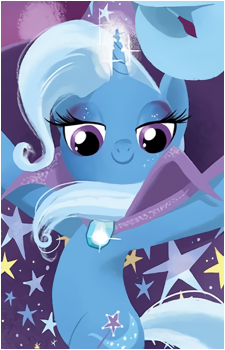
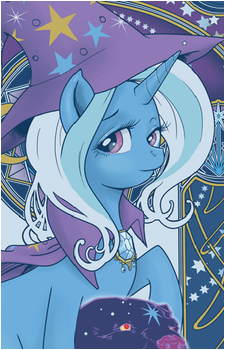
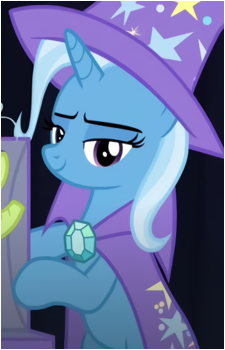
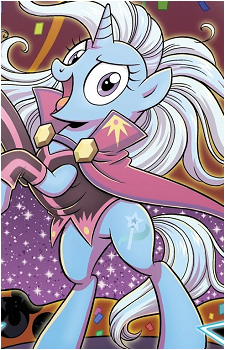
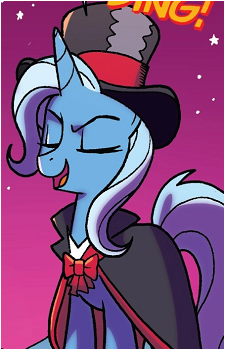
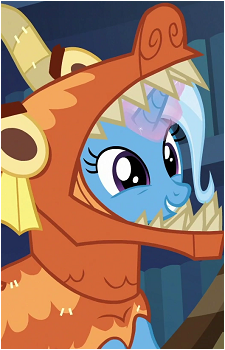
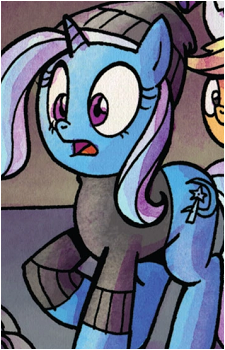
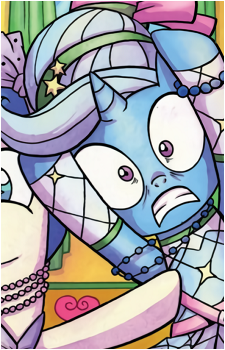
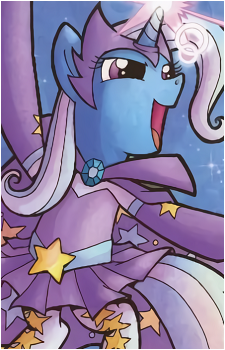
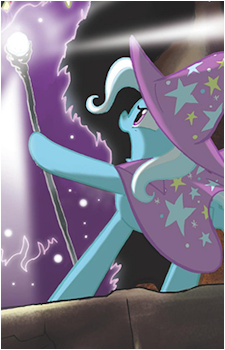
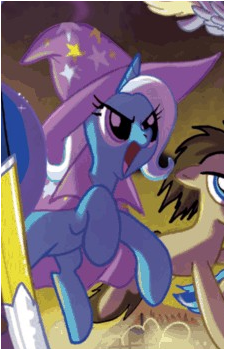
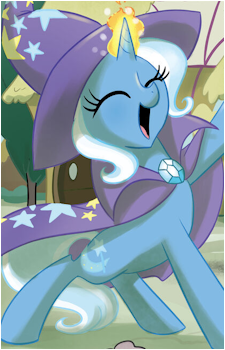
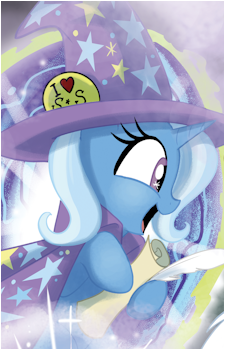
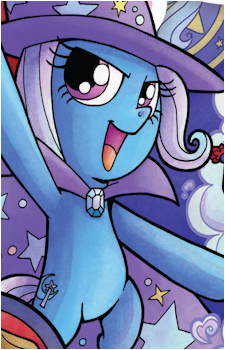
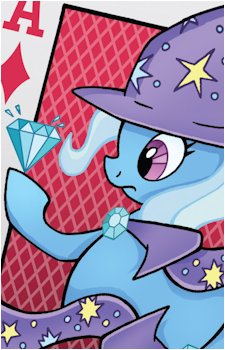
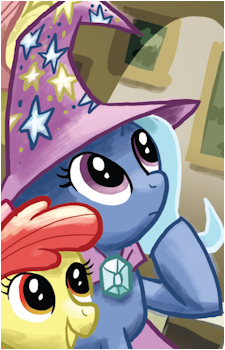
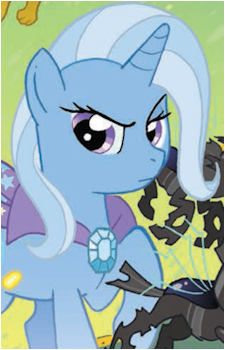
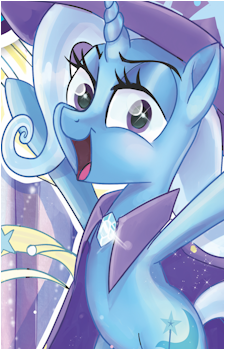
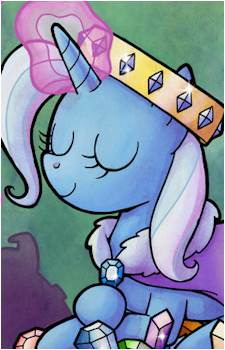
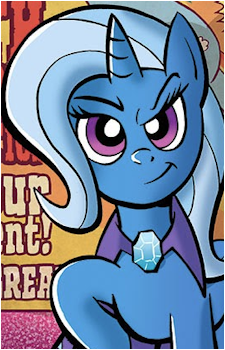
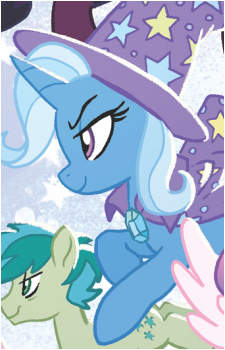
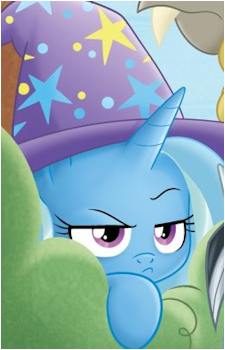
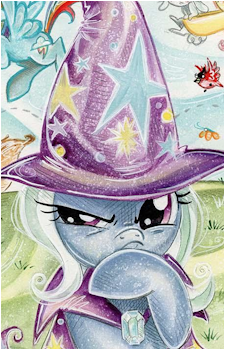
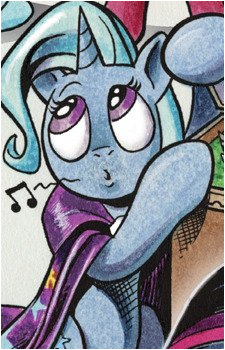
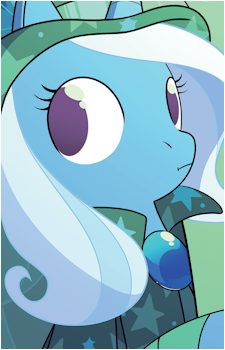
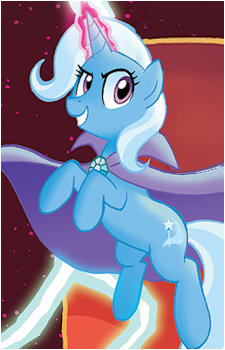
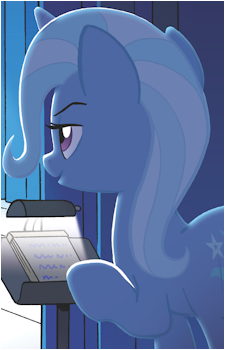
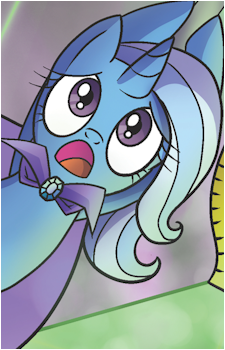
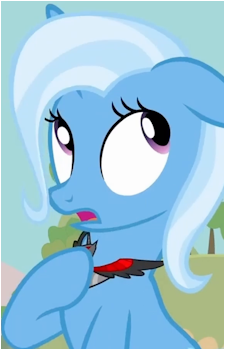
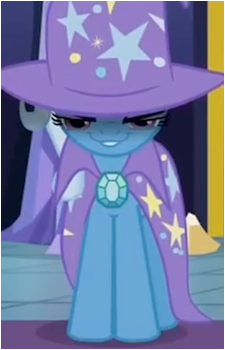
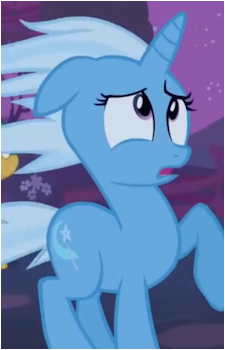
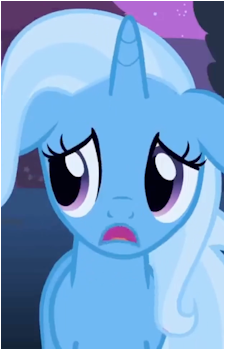
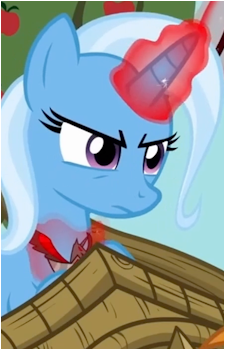
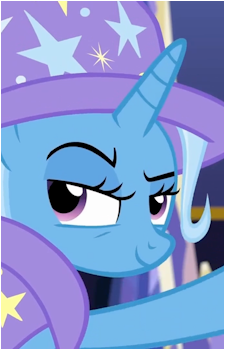
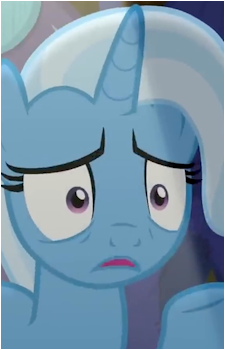
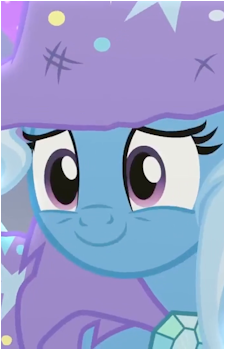
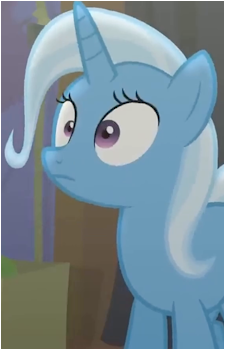
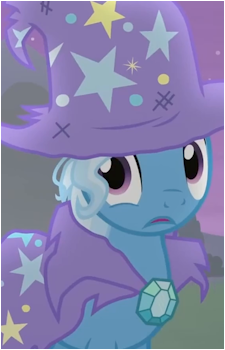
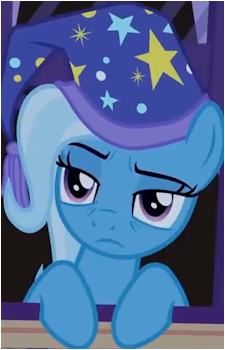
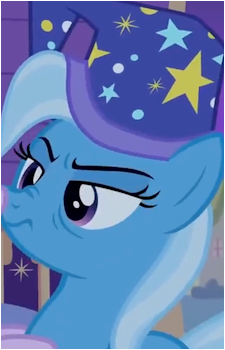
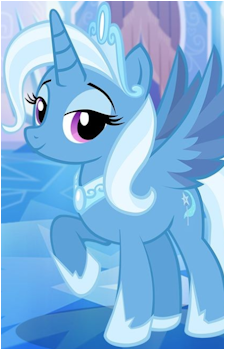
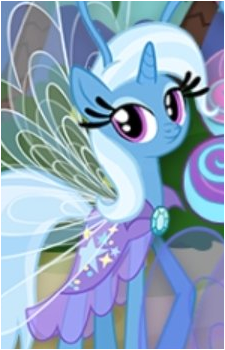
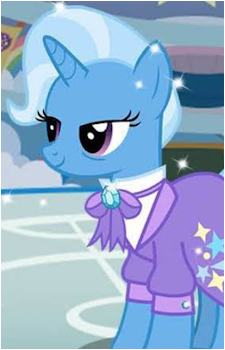
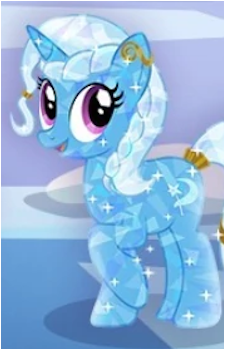
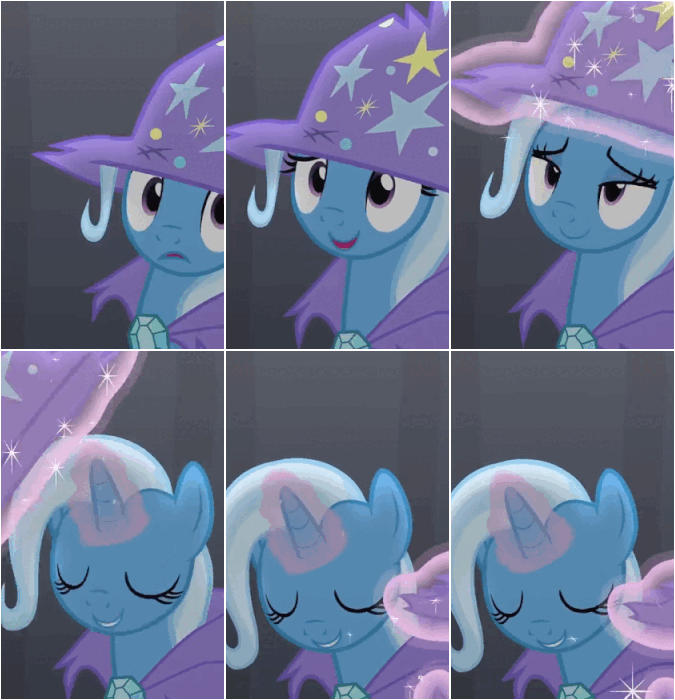
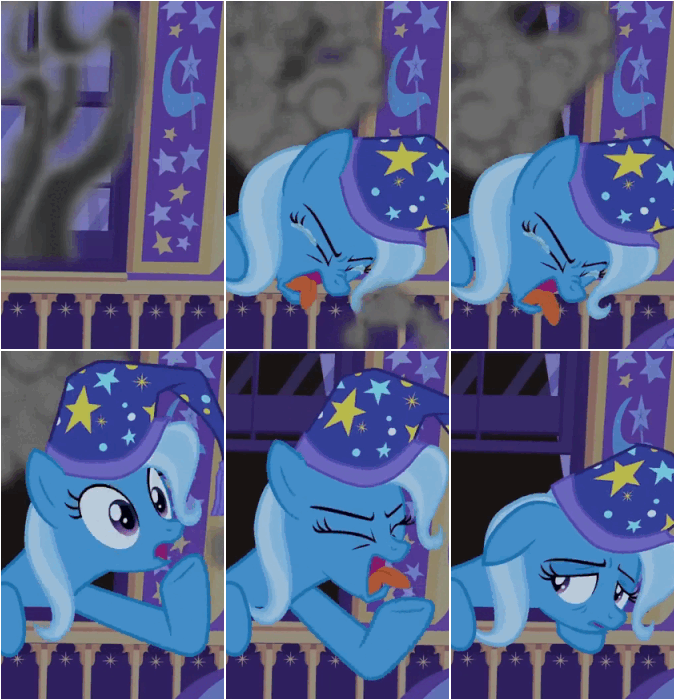
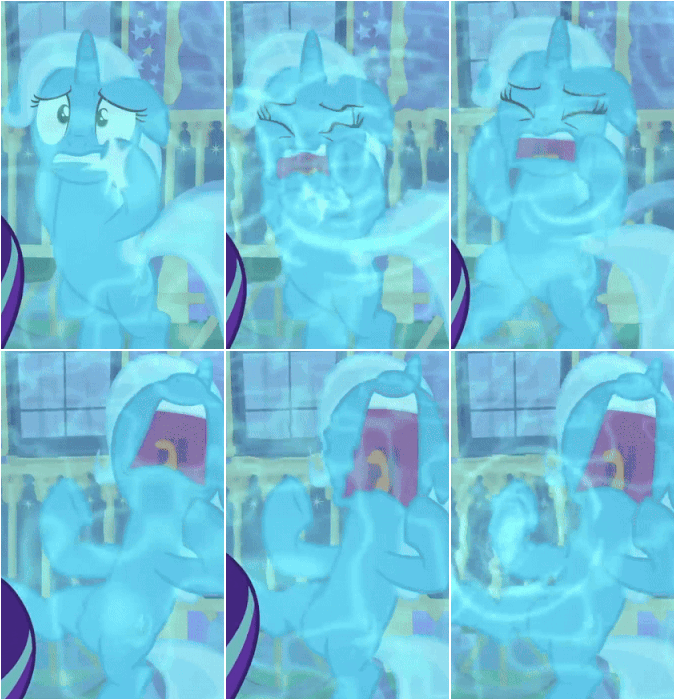
Arrange the images of the character by drag & dropping them around open_in_new
drag_indicator
drag_indicator
drag_indicator
drag_indicator
drag_indicator
drag_indicator
drag_indicator
drag_indicator
drag_indicator
drag_indicator
drag_indicator
drag_indicator
drag_indicator
drag_indicator
drag_indicator
drag_indicator
drag_indicator
drag_indicator
drag_indicator
drag_indicator
drag_indicator
drag_indicator
drag_indicator
drag_indicator
drag_indicator
drag_indicator
drag_indicator
drag_indicator
drag_indicator
drag_indicator
drag_indicator
drag_indicator
drag_indicator
drag_indicator
drag_indicator
drag_indicator
drag_indicator
drag_indicator
drag_indicator
drag_indicator
drag_indicator
drag_indicator
drag_indicator
drag_indicator
drag_indicator
drag_indicator
drag_indicator
drag_indicator
drag_indicator
drag_indicator
drag_indicator
drag_indicator
drag_indicator
drag_indicator
drag_indicator
drag_indicator
drag_indicator
drag_indicator
drag_indicator
drag_indicator
drag_indicator
drag_indicator
drag_indicator
drag_indicator
drag_indicator
drag_indicator
drag_indicator
drag_indicator
drag_indicator
drag_indicator
drag_indicator
drag_indicator
drag_indicator
drag_indicator
drag_indicator
drag_indicator
drag_indicator
drag_indicator
drag_indicator
drag_indicator
drag_indicator
drag_indicator
drag_indicator
drag_indicator
drag_indicator
drag_indicator
drag_indicator
drag_indicator
drag_indicator
drag_indicator
drag_indicator
drag_indicator
drag_indicator
drag_indicator
drag_indicator
drag_indicator
drag_indicator
drag_indicator
drag_indicator
drag_indicator
drag_indicator
drag_indicator
drag_indicator
drag_indicator
drag_indicator
drag_indicator
drag_indicator
drag_indicator
drag_indicator
drag_indicator
drag_indicator
drag_indicator
drag_indicator
drag_indicator
Select the 2 images you want to swap
Change the main image of the character for a specific series
The image you will choose is the one that will show up for that character when you go to the series page You can either enter an image URL or click on one to select it
Type none in the Image URL field to remove the main image of the series.
OR select an image by clicking on it
Change the main alias of the character for a specific series
The alias you will choose is the one that will show up for that character when you go to the series page
Select None in the Alias field to remove the main alias of the series.
Remove images of the character
Image (Click on them to select them)
Add art tags to the character's images
Select/deselect images you want to art tag by clicking on them.
Tip: You can mass art tag by clicking "Add current selection" then go to the Pic Tagging page and continue there.
Tip 2: You can see all uncredited images of the series on this page (also accessible via the contributor hub).
Bad images are images that you think need improvement (because of thick borders, a lot of noise etc.), not just borderless images Select them by clicking on them
Arrange the aliases of the character by drag & dropping them around
Trixie LulamoonThe Great and Powerful TrixieG an' PTThe Great and Apologetic TrixieThe Humble and Penitent TrixieThe Great and Directionally Astute TrixieQueen Trixianna the FirstThe Great and Powerful RoxyThe Pathetic and Friendless TrixieThe Peat and Growerful TriskieTrixThe Unscareable TrixieProfessor TrixieMiss Powerful
Add tags to the character
Click on a tag after selecting it to spoiler it.
Spoil tags of the character
Remove tags from the character
Add a description to the character
Type none to remove the description
You can integrate links to other character/series/tag pages by using the following format: [character:123456 Text] or [series:123456 Text] or [tag:123456 Text]. Replace 123456 with the ID of the character/series/tag you want to link to.
Edit the external links of the characters
Name can be something like "Site", "Twitch"... properly capitalized.
All links must be official, no fan pages or similar.
NameURL
keyboard_arrow_upkeyboard_arrow_downdelete
add
Add a series to the character
Sort the series of the character by drag & dropping them around
My Little Pony: Friendship Is MagicMy Little Pony (Gameloft)
Remove the series from the character
Change the series of the character
Edit the related characters
If the character you want to add doesn't share a series with this character, you can type its exact name and select "Add [name]". ⚠️ The current list is an auto-generated placeholder. Please only include meaningful relations if you remake it.
Edit the relation between the character and its related characters
If a single character is selected, the current relation will be overwritten If multiple characters are selected, the relation will be added to all of them Up to 5 relations per character. Spoilers are not allowed
The Great and Powerful Trixie | G an' PT | The Great and Apologetic Trixie | The Humble and Penitent Trixie | The Great and Directionally Astute Trixie | Queen Trixianna the First See more
The Great and Powerful Roxy | The Pathetic and Friendless Trixie | The Peat and Growerful Triskie | Trix | The Unscareable Trixie | Professor Trixie | Miss Powerful